GTM Tag Sequencing: Setup Tags, Cleanup Tags and the Ordering Problems They Solve
By Samarth Analytics · Published · Updated · Tag Management · 7 min read
Summary: Tags that share a trigger in Google Tag Manager fire in no guaranteed order, and most intermittent tracking bugs we debug come from code that assumed otherwise. GTM offers three tools for controlling order - firing priority, tag sequencing with setup and cleanup tags, and data layer design - and each solves a different problem. This guide explains when to use each, how completion signals work, and the pitfalls that make sequencing slower or less reliable than it looks.
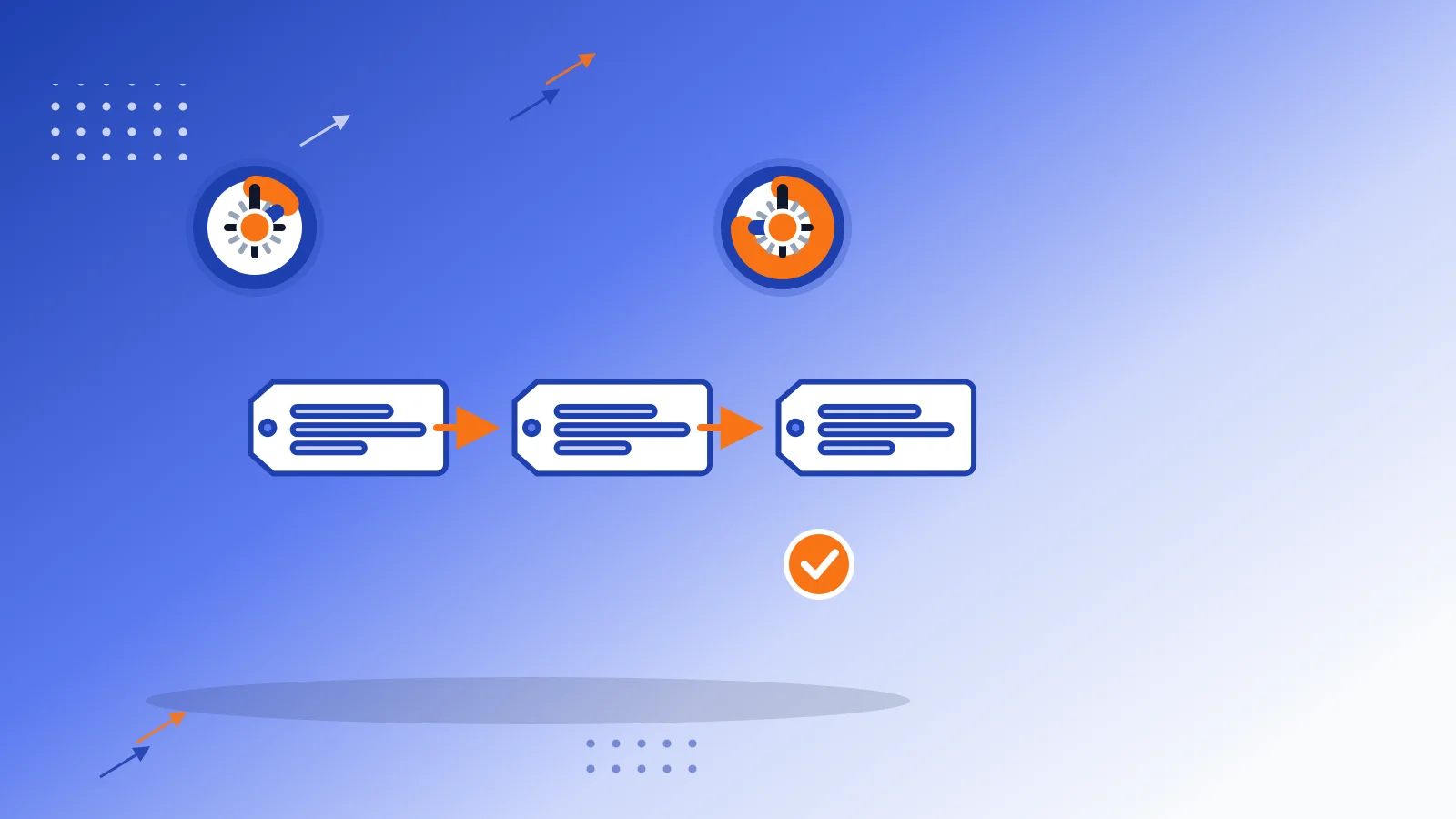
Why order matters in GTM
When several tags share a trigger, Google Tag Manager starts them at roughly the same moment and lets them run asynchronously. Nothing guarantees that one finishes before another starts. Most of the time this does not matter, because most tags are independent. When one tag depends on another - a vendor library that must load before its event call, a configuration that must be set before an event is sent, a variable that must be cleared before the next push - the lack of ordering produces the most frustrating kind of bug: one that happens on some page loads, on some devices, some of the time.
In our tag management work, intermittent tracking problems are more often ordering problems than anything else. GTM gives you three tools to control order, and choosing the right one is most of the fix.
Three tools, three different jobs
- Tag firing priority. Each tag has a priority number in its advanced settings; on a shared trigger, higher numbers start first. Priority controls the order tags start, not the order they finish, so it is only useful when the earlier tag does its work synchronously.
- Tag sequencing. A tag can name a setup tag to run before it and a cleanup tag to run after it. GTM waits for the setup tag to signal completion before starting the main tag, and can be told not to fire the main tag if the setup tag fails.
- Data layer design. Instead of making tags wait for each other inside one event, the application or a tag pushes a separate event when a dependency is ready, and dependent tags trigger on that event.
Priority is the lightest, sequencing the most explicit, and data layer design the most robust across complex setups.
Setup tags: what they are for
A setup tag is the right tool when one specific tag needs something done immediately before it, every time it fires. Common examples:
- Loading a vendor's base library before the tag that calls it, when the vendor does not offer a template that handles loading itself.
- Reading a value from a cookie or local storage and writing it to the data layer, so the main tag can use it as a variable.
- Checking a condition - a consent state, a feature flag, a test assignment - and failing deliberately when the main tag should not run, combined with the option to skip the main tag if the setup tag fails.
Setup tags are not a substitute for consent integration, though. Consent should be enforced through GTM's consent settings and your consent platform, as described in consent-aware tag firing with CMP integration, not through a chain of sequenced checks.
Cleanup tags: what they are for
Cleanup tags run after the main tag has signalled completion. They are useful for:
- Clearing data layer values that would otherwise leak into the next event, such as a one-time promotion code or form field.
- Sending a follow-up event that must happen only after the main tag has finished, such as a confirmation to a second platform.
- Pushing a data layer event that other tags can trigger on, turning a sequence into a broadcast.
A common cleanup pattern in e-commerce is clearing the ecommerce object between pushes. Google's own recommendation is to push ecommerce: null before each new ecommerce event, so values from a previous product view do not merge into the next purchase. That is better done in the data layer code itself than with a cleanup tag, but a cleanup tag is a workable fallback when you cannot change the site.
The completion signal is everything
Sequencing only works if GTM knows when the setup tag has actually finished. Tags built from templates signal completion when their code calls the success or failure callback. Custom HTML tags are different: GTM can only wait for what it is told about. If a custom HTML setup tag injects a script that loads asynchronously, GTM may consider the setup finished as soon as the HTML is inserted - before the library is ready - and start the main tag too early.
The fix is to signal explicitly. In custom HTML, call the container's success callback, onHtmlSuccess, with the built-in HTML ID variable once the script's load event fires, and call onHtmlFailure from its error handler. For anything more elaborate, convert the custom HTML to a custom template, where success and failure are part of the API. Our view on when to write templates is in GTM templates: community vs custom.
Note: A setup tag that never signals can delay or block its main tag. Always test sequences in Preview with the network throttled, and confirm the main tag fires after the setup tag in the tag timeline, not merely that both fired.
Pitfalls that make sequencing worse
- Long chains. Each sequence step waits for the previous one. Three or four sequenced tags on a purchase event add latency at the moment the page is most likely to unload.
- Shared setup tags. One setup tag used by many main tags fires once per main tag, not once per event, unless you design for it. Expensive setup work multiplies.
- Hidden dependencies. Sequencing configured in tag settings is invisible from the trigger list. Document it in the tag name or notes, consistent with your variable and naming conventions.
- Ordering through priority alone. Priority looks like it works in testing on fast connections and fails on slow ones. If the order matters, sequence or use the data layer.
A worked example: a vendor pixel and its library
A common real case: a marketing vendor provides a base script that must load before its conversion call, and the conversion call fires on the purchase event. Both tags sit on the purchase trigger. On a fast desktop connection the base script usually wins the race and everything works. On a slower phone, the conversion call runs first, finds the vendor's function undefined, and fails silently. The vendor's dashboard shows fewer conversions than GA4, and nobody can reproduce the problem in the office.
The fix takes three steps. Move the base script into its own custom HTML tag that calls onHtmlSuccess from the script's load handler and onHtmlFailure from its error handler. Set it as the setup tag of the conversion call, with the option not to fire if the setup tag fails. Then, because the base script is also needed on other pages, give it its own page view trigger and let it load once per page; the setup step on the purchase event will find it already loaded and complete quickly. Verified in Preview with network throttling, the conversion call now always fires after its library, and the vendor's numbers move into line with GA4.
A practical decision rule
- If two tags are independent, do nothing.
- If one tag needs something synchronous done first, priority is enough.
- If one tag needs asynchronous work completed first, use a setup tag with an explicit completion signal.
- If several tags depend on the same readiness, push a data layer event when it is ready and trigger them on it.
- Verify every sequence in Preview using the techniques in GTM debugging with Preview and Tag Assistant.
Final thoughts
Tags on the same trigger do not run in a guaranteed order, and assuming they do is the root of most intermittent tracking bugs. Firing priority, tag sequencing and data layer events each solve a different ordering problem. Use the lightest one that guarantees what you need, signal completion explicitly, and write the dependency down where the next person will see it.
If your tracking misbehaves only some of the time, ordering is the first thing to check, and a free audit covers the sequencing and trigger design in your container.
Topics: tag governance, analytics QA, ga4 events, Google Tag Manager
More articles on the Samarth Analytics blog · Markdown version of this article