Server-Side Tagging for Web and Mobile App Together: One Pipeline for GA4 and Ads
By Samarth Analytics · Published · Updated · Server-Side Tracking · 6 min read
Summary: Businesses with both a website and a mobile app usually end up with two separate tracking stacks: tags and a tag manager on the web, SDKs in the app, different event names, different identifiers and different numbers in every report. A server-side pipeline can bring them together - one event schema, one place to validate and route data, and destination logic that can change without waiting for an app store release. This guide covers the architecture, schema and identity alignment, destinations, consent and testing.
Two worlds, two sets of numbers
On the web, tracking runs through a tag manager or the Google tag, with pixels for each ad platform. In the app, it runs through analytics SDKs, ad network SDKs and often a mobile measurement partner. The two stacks are usually built by different teams at different times, and it shows: different event names for the same actions, different item identifiers, purchases counted differently, and two incompatible sets of numbers in every channel report.
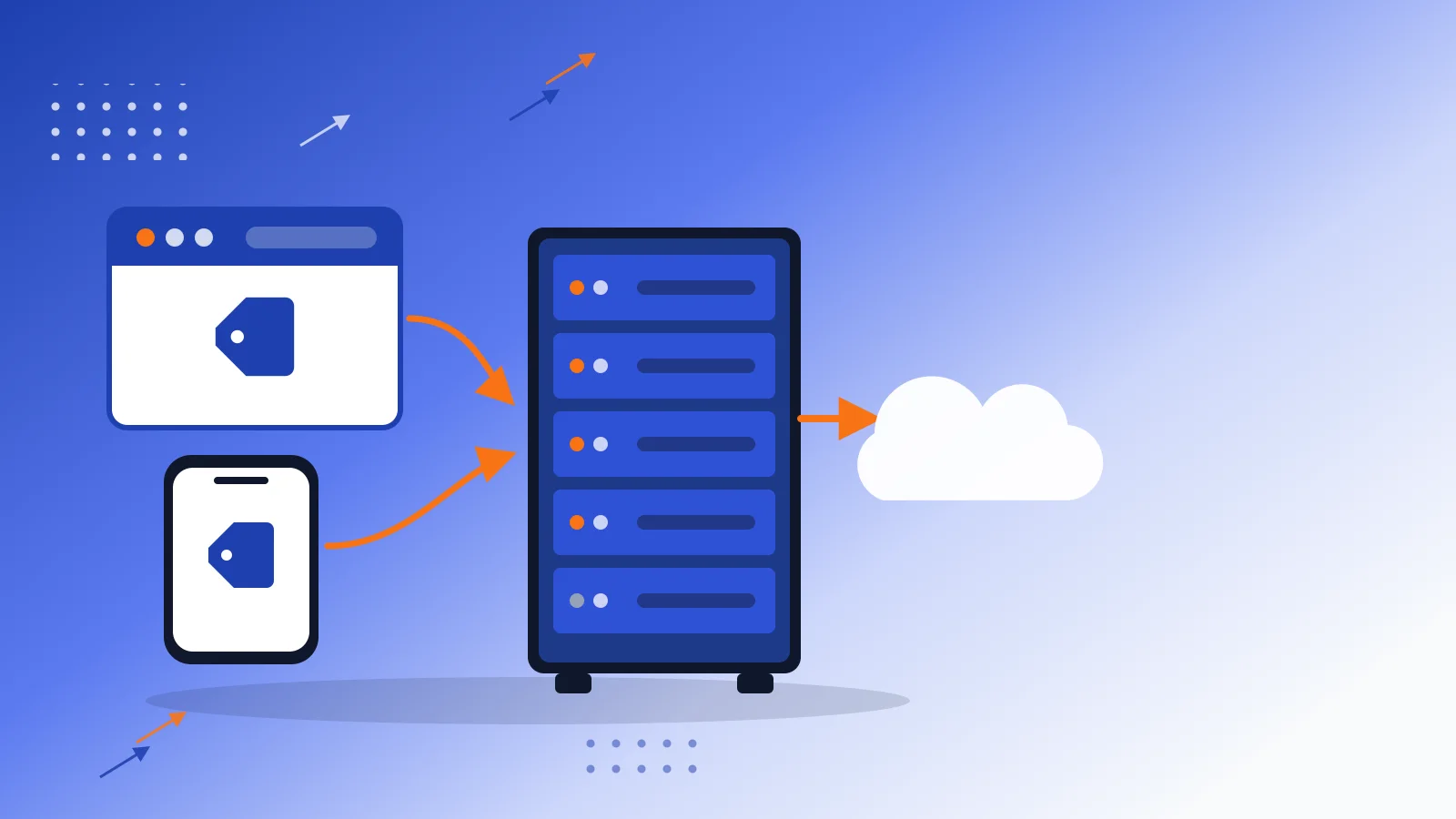
Server-side tagging offers a way to bring them together. Rather than each client - browser or app - talking directly to every destination, both send events to infrastructure you control, which validates them, applies one schema, and forwards them. In our server-side tracking work, this is increasingly how businesses with significant app revenue get one coherent view of their customers.
What one pipeline means
A unified pipeline has three parts:
- A shared event schema used by web and app: the same event names, the same parameters, the same item and order identifiers.
- A server-side layer that receives events from both and forwards them to destinations, so validation, enrichment and routing happen in one place.
- A unified identity approach, so a customer who browses on the web and buys in the app is recognised as one person where consent allows.
It does not mean every app event must flow through a server container. Some app measurement, especially for app install campaigns, depends on SDKs and measurement partners by design. The goal is consistency where it matters, not routing everything through one box.
The web side
The web side is a standard server-side setup: the web container sends events to your tagging server on a first-party subdomain, and server tags forward them to GA4 and the ad platforms. Build and test it with the pattern in testing server-side GTM before go-live, and add the app once the web side is stable.
The app side
There are three common ways to bring app events into the same pipeline:
- Configure the app's analytics SDK to send to a server container, where the platform supports it, so app events arrive at the same tagging server as web events.
- Send key events from the app's back end. Purchases, subscriptions and account events are often better recorded by the server that processes them, sent through the Measurement Protocol and the platforms' conversion APIs.
- Use the mobile measurement partner's server-to-server postbacks for install and attribution events, and route them into the same warehouse for reporting.
Most businesses combine the second and third: back-end events for revenue and accounts, measurement partner data for install attribution, with the SDK handling in-app behaviour.
Aligning the event schema
Schema alignment is the hardest and most valuable part. Write one specification covering both platforms, with the same name for the same action - add_to_cart, purchase, sign_up - and the same parameters, including item IDs from the same product catalogue. Where an event exists only on one platform, it still follows the same naming conventions.
Existing apps rarely match the web on day one. Migrate them with the expand-and-contract approach from event schema versioning, because app releases are slow and old app versions stay in use for months.
Tip: The biggest practical benefit of a server-side layer for apps is speed of change. App releases wait for store review and user updates; destination logic in a server container can be fixed or extended the same day, for every app version already installed.
Identity across web and app
Web and app use different pseudonymous identifiers - a client ID in the browser, an app instance ID in the app - and neither can be linked to the other without a shared signal. The shared signal is usually a user ID set when the customer logs in on either platform. Set it consistently, from the same customer record, and use one GA4 property with separate web and app streams so reports can combine both.
Do not try to link anonymous web and app activity by fingerprinting or other covert techniques; link only what the customer has connected by logging in, within your consent model. The choices are discussed in client ID vs user ID and identity resolution from anonymous to known.
Destinations
- GA4: one property with web and app streams, the same event names, and user ID for cross-platform users.
- Google Ads: web conversions from the web pipeline, app conversions through the app's analytics integration, with the same business definitions so cross-channel comparisons are fair.
- Meta and other platforms: web and app events through their conversion APIs where supported, with event IDs for deduplication against SDK or pixel events, as in multiple Conversions APIs from sGTM.
- The warehouse: every event from both platforms, for reporting that does not depend on any single vendor's view.
Consent across platforms
Apps have their own consent requirements, including platform-level tracking permission prompts on iOS and consent management SDKs for regions that require opt-in. The consent state must travel with app events into the pipeline, just as it does for web events, and server-side destinations must respect it. Align the categories used on web and app so "advertising consent" means the same thing on both, and test consent states on each platform before launch.
Where to start
A unified pipeline is a multi-month programme, and trying to do it all at once usually stalls. A sequence that works:
- Write the shared event specification first, covering the ten or fifteen events that matter most on both platforms.
- Move purchases and subscriptions to back-end events for both web and app, with consistent order IDs and the stored identifiers. Revenue becomes consistent across platforms before anything else changes.
- Set the user ID on login in both web and app, and add the app stream to the web's GA4 property if it is not already there.
- Bring the web onto server-side tagging, then route app events into the same server where the platform supports it.
- Align the remaining behavioural events release by release, as app updates allow.
Each step improves consistency on its own, so the programme delivers value long before it is finished.
Testing and monitoring
Test each event from both platforms through the server container in preview, confirming names, parameters, identifiers and consent state. After launch, monitor event volumes by platform and app version, because a new app version that breaks an event affects only the users who update, and the decline is gradual rather than sudden. Alert on the ratio of app purchases recorded by analytics to orders recorded by the back end, by app version.
Final thoughts
Web and app tracking usually grow up separately and disagree forever. A server-side pipeline with one event schema, back-end events for revenue, consistent identity on login, aligned consent and shared destinations brings them together, and lets you change destination logic without waiting for an app release. Start with the web, add the app's most important events, and expand from there.
If your web and app numbers tell different stories, a free audit will show where they diverge and what a shared pipeline would fix.
Topics: sGTM, GA4, server-side tracking, analytics engineering
More articles on the Samarth Analytics blog · Markdown version of this article