Partitioned Tables and Clustering for Marketing Analytics
By Samarth Analytics · Published · Updated · Analytics Engineering · 12 min read
Summary: An in-depth guide to the two BigQuery features that dictate the performance and profitability of marketing data warehouses. We explore why scanned bytes are the primary cost driver in modern analytics engineering, compare partitioning strategies for GA4 and ad platform data, and provide a migration blueprint for transforming inefficient legacy tables into optimized, clustered assets.
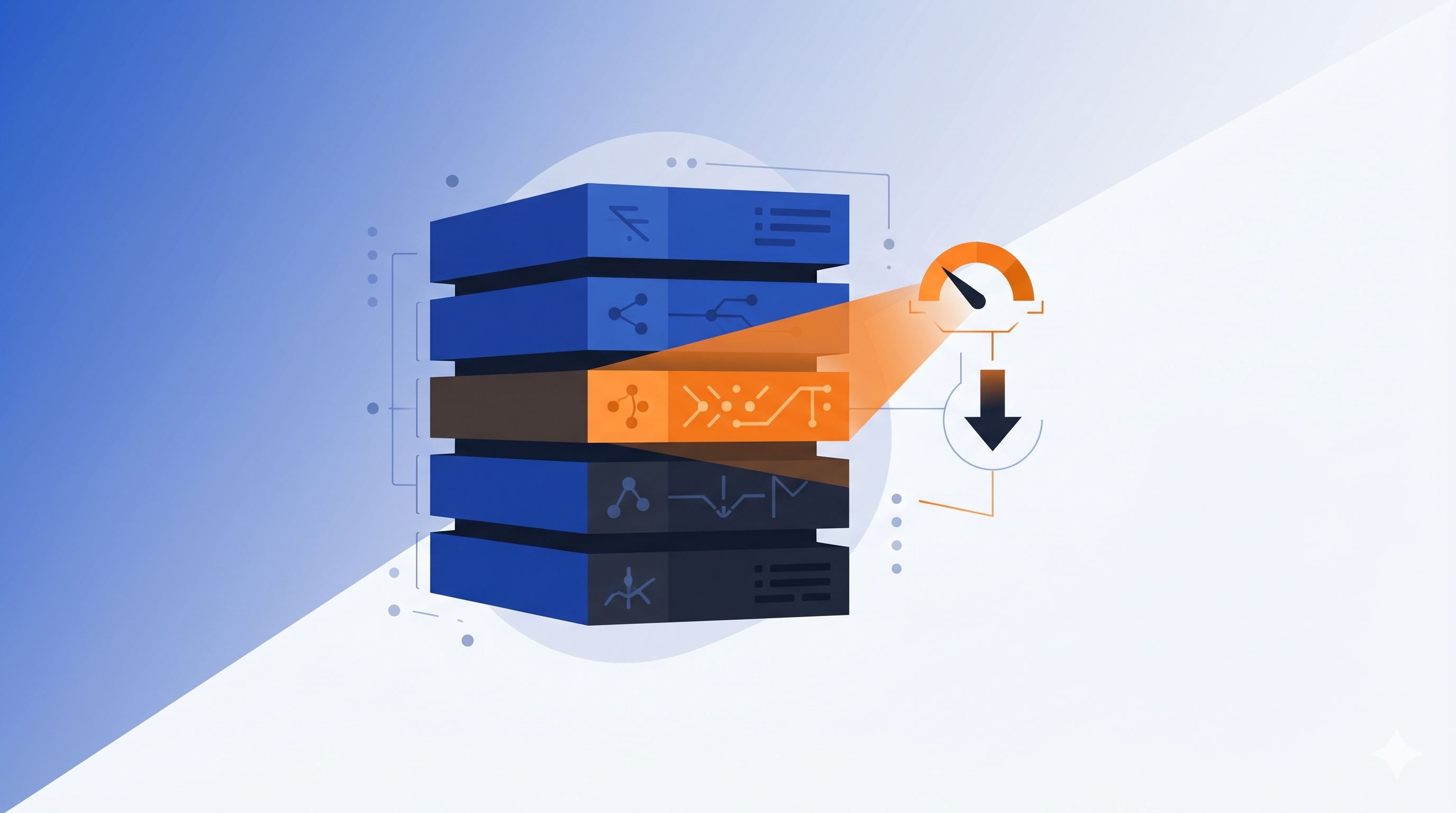
Why scanned bytes is the cost driver
In the realm of Analytics Engineering (AE), understanding the underlying architecture of Google BigQuery is the difference between a sustainable data stack and a financial liability. Unlike traditional row-based databases, BigQuery is a columnar storage engine. This means that when you execute a query, BigQuery doesn't read the whole table; it only reads the specific columns you request. However, the volume of data within those columns-measured in scanned bytes-is exactly how Google calculates your "On-Demand" pricing.
For marketing teams in 2026, the data explosion is real. A single GA4 export can contain millions of rows per day, each with hundreds of nested parameters. If your analyst runs a query to find the "Top 10 Campaigns" for the last seven days, but your table isn't optimized, BigQuery will scan every single row of data from the beginning of time to find those seven days.
This "Full Table Scan" is the "silent killer" of marketing budgets. A query that costs $0.05 on an optimized table can easily cost $50.00 on a raw, unpartitioned table. When you multiply this by a team of ten analysts running dozens of queries a day, the cost variance shifts from "negligible" to "thousands of dollars per month." Therefore, controlling scanned bytes through BigQuery partitioning marketing strategies is not just a technical preference; it is a fiscal necessity for any Cloud Data (CD) project.
Partitioning by ingestion time vs event date
Partitioning is the process of physically dividing a large table into smaller segments, called partitions, based on a specific column-usually a date or timestamp. When a table is partitioned, BigQuery can "skip" the segments that don't match your query criteria.
There are two primary ways to approach this in AE:
- Ingestion Time Partitioning In this model, BigQuery automatically assigns a partition to each row based on when the data was loaded into the table. You access these via the hidden _PARTITIONTIME or _PARTITIONDATE pseudo-columns.
Best For: Real-time data streams where you care most about when the data arrived rather than when the event actually happened.
Pros: Extremely simple to set up; requires no specific date column in your schema.
Cons: Marketing data often arrives late (attribution lag). If data from Monday arrives on Wednesday, it will be placed in Wednesday's partition, which can complicate historical reporting.
- Event Date/Timestamp Partitioning This is the gold standard for BigQuery partitioning marketing. You select a specific column in your data, such as event_date or transaction_timestamp, to serve as the partition key.
Best For: Almost all marketing use cases, including GA4 event analysis, CRM syncing, and ad performance tracking.
Pros: Aligning query performance with the way business users actually ask questions ("What happened last Tuesday?").
Cons: Requires the date column to be in a compatible format (DATE, DATETIME, or TIMESTAMP) and requires data to be present in that column for every row.
For marketing warehouses, we almost always recommend partitioning by the actual event date. This ensures that your reporting remains consistent even when data sources have varying sync frequencies.
Partition pruning in WHERE
The technical term for the cost-saving magic of partitioning is Partition Pruning. This occurs when the BigQuery optimizer looks at your WHERE clause, identifies the partition filter, and ignores all data outside that range.
However, many analysts fail to trigger pruning because of how they write their SQL. For pruning to work, the partition column must be used in a "static" or "simple" filter.
The Wrong Way (Breaks Pruning): WHERE EXTRACT(DATE FROM event_timestamp) = '2026-01-01'
The Right Way (Triggers Pruning): WHERE event_timestamp >= '2026-01-01 00:00:00' AND event_timestamp < '2026-01-02 00:00:00'
When you use a function like EXTRACT or DATE() on the partition column in your WHERE clause, BigQuery often has to calculate that function for every single row to see if it matches, effectively negating the benefit of the partition. By providing a direct comparison to the raw column, you enable the engine to "prune" the unnecessary data instantly. In a 5-year historical table, this single syntax change can reduce your scanned bytes by 99%.
Clustering columns - when they help
While partitioning is about "vertical" slices (splitting by time), Clustering is about "horizontal" organization. Within each partition, BigQuery can sort your data based on up to four columns.
Think of a partition like a drawer in a filing cabinet (labeled by Date). Clustering is how you organize the files inside that drawer. If you cluster by campaign_id, all rows with the same ID are stored physically next to each other.
Clustering helps when:
You frequently filter by specific dimensions, such as utm_source, device_category, or event_name.
You perform high-cardinality joins (e.g., joining your GA4 table with a CRM table on a hashed_email).
Your tables are large (usually over 10GB). On small tables, the overhead of clustering outweighs the scan savings.
Unlike partitioning, clustering does not guarantee a specific cost upfront (the "Query Validator" in the UI won't show the savings), but it significantly reduces the amount of data the engine actually has to "touch" during execution. In AE, we typically cluster by the columns that appear most frequently in our GROUP BY and JOIN statements.
Combining for GA4 events
For a high-performance GA4 data warehouse, the "Gold Standard" architecture is a combination of both partitioning and clustering. Because the GA4 BigQuery export is inherently event-driven and voluminous, a flat table will quickly become unmanageable.
The Recommended Pattern:
Partition by: event_date (or the timestamp converted to a date).
Cluster by: event_name, user_pseudo_id, and utm_source.
Why this works: Most marketing queries follow a predictable pattern: "Show me [Metric] for [Event Name] over [Date Range] for [Source]."
The Partition on event_date narrows the search from years to days.
The Cluster on event_name allows BigQuery to skip all "page_view" and "scroll" events when you are only looking for "purchase" events.
The Cluster on user_pseudo_id makes "Unique User" counts and pathing analysis significantly faster because the data for a specific user is stored in contiguous blocks.
By implementing this dual-layered approach, you create a "Highly Pruned" environment where your Analytics Engineering workflows run in seconds rather than minutes.
Testing query cost
Before you commit a query to a production dashboard or a scheduled ELT (Extract, Load, Transform) job, you must audit its cost. BigQuery provides several tools to prevent "Bill Shock."
-
The Query Validator In the top right of the BigQuery Console, you will see a checkmark. It will say something like "This query will process 450 MB when run." If you add a date filter to a partitioned table and that number doesn't drop, your filter is likely written in a way that breaks partition pruning.
-
Dry Runs in API If you are using Python or Node.js to trigger queries, you can set the dry_run parameter to True. This returns the statistics of the query (including bytes processed) without actually running it or costing any money.
-
Maximum Bytes Billed To protect your budget from a "rogue query," you can set a "Maximum Bytes Billed" limit on your connection. If an analyst accidentally writes a query that would scan 10TB of data, BigQuery will kill the process before it starts, saving you from a $50.00 mistake.
In 2026, CD teams should include "Scan Efficiency" as a KPI for their data engineers, ensuring that the cost of insights doesn't grow faster than the insights themselves.
Migration path for production tables
If you currently have a "Legacy" table that is unpartitioned and costing you a fortune, you cannot simply "turn on" partitioning. You must migrate the data to a new table structure.
Step 1: Create the Schema Use a CREATE TABLE statement to define your new partitioned and clustered table.
CREATE TABLE your_project.your_dataset.optimized_events
(
event_date DATE,
event_timestamp TIMESTAMP,
event_name STRING,
user_id STRING
)
PARTITION BY event_date
CLUSTER BY event_name, user_id;
Step 2: The Migration Load Use an INSERT INTO or CREATE OR REPLACE TABLE AS SELECT (CTAS) statement. Warning: This migration scan will cost money, as you are reading the entire legacy table once to reorganize it. However, this is a one-time "investment" that will save thousands in future operational costs.
Step 3: Update Downstream Logic Point your Looker, Tableau, or dbt models to the new optimized table. Ensure that all filters are updated to use the partition column correctly to ensure partition pruning.
Final Thoughts
Optimization in BigQuery partitioning marketing is often treated as a "Phase 2" task, something to be handled after the dashboards are built. This is a strategic error. In the modern data landscape, where volumes grow exponentially, efficiency must be built into the Analytics Engineering foundation from day one.
By mastering the interplay between partitioning and clustering, you transform your marketing warehouse from a cost center into a competitive advantage. You enable your team to ask more questions, run more experiments, and dive deeper into the data without the constant fear of a bloated cloud bill. The most successful Cloud Data projects in 2026 won't just be the ones with the most data, but the ones that process it with the most surgical precision.
Topics: AE, partition pruning, GA4 BigQuery, SQL optimization, data warehouse cost, CD, analytics engineering, clustering, Cloud Data, BigQuery partitioning marketing
More articles on the Samarth Analytics blog · Markdown version of this article